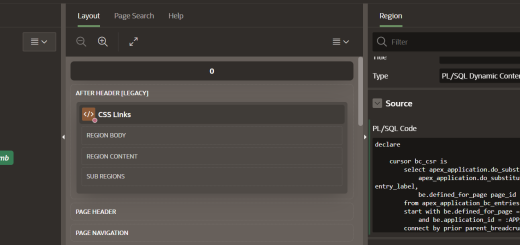
Enable Edit Button In Interactive Grid In Page Load by Himansu Behera · Published May 1, 2023 · Updated May 6, 2023 Sometimes end user gets confused while editing a record in Interactive Grid(IG Report) in Oracle APEX Applications. So, we can enable the Edit button by default while loading the page that is having IG Report. Step 1 Assing a Static ID to the IG ReportExample : gridItemsSee below image: Step 2 Create Dynamic Action On Page loadAdd new action “Execute JavaScript Code”Add below codeapex.region(“gridItems”).widget().interactiveGrid(“getActions”).set(“edit”,true); Add below codeapex.region(“gridItems”).widget().interactiveGrid(“getActions”).set(“edit”,true);
Expand/collapse navigation menu on click in Oracle APEX November 17, 2021 by Himansu Behera · Published November 17, 2021
Issues with input fields apex applications November 9, 2021 by admin · Published November 9, 2021 · Last modified November 11, 2021