
Issues with input fields apex applications
If you are facing issues with your input fields like text field, text area, select lists then it’s not your application issue, this issue is arising due to the upgradation of chrome browser.
All input fields are getting blank while clicking on that field.
To fix this issue:
- Edit page and go to inline section.
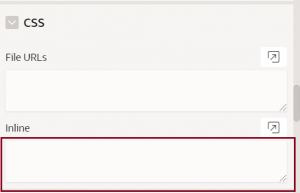
- Add below code
.apex-item-select,
.apex-item-text,
.apex-item-textarea,
.apex-item-multi{
backface-visibility:hidden;
}


